Home / For centre staff
For the front desk, sales and operations
Each person signs in to their own My Activity screen: their numbers, what needs doing today, and a live feed of what just happened in the centre.
From first question to signed contract
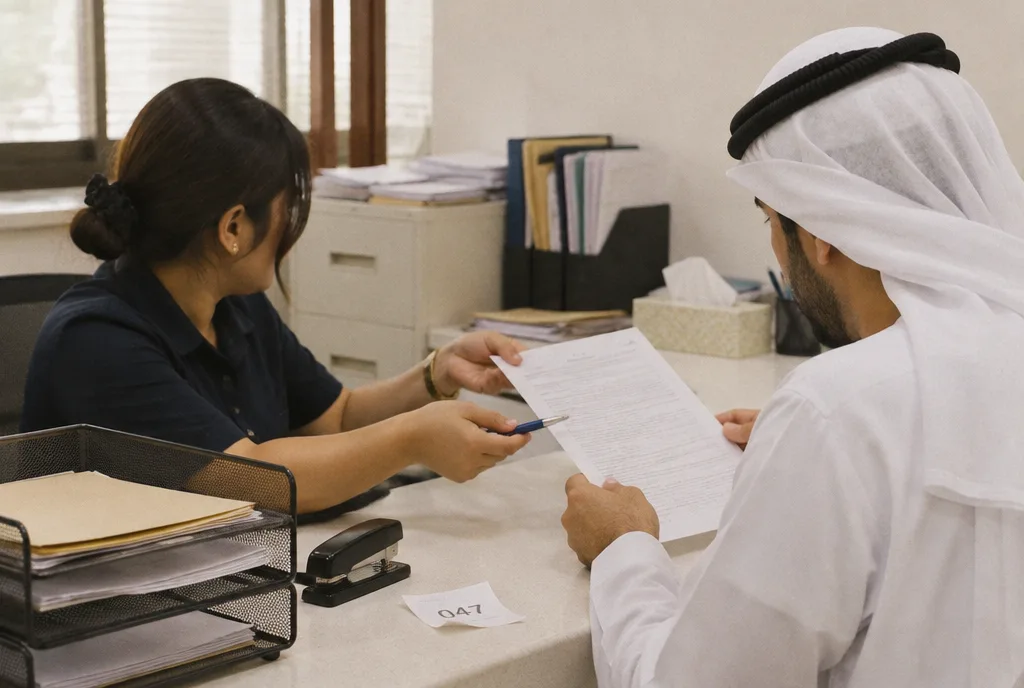
A customer walks in with a list of needs. The agent filters the maids who are actually available, prints a CV or two, and prices the package while the customer is still at the counter.
- Profiles. photo, skills, languages, experience, documents and current status
- Pricing. packages and lines from your price list, with discount limits set per role
- Signing. on a tablet at the counter, or from a link the customer opens on their phone
- Trials and returns. extra days, refunds and replacements calculated the same way every time
Included for every centre
Sales, front desk and operations tools. Finance and HR are on the owners page.
Sales and front desk
- Maid profilesPhoto, skills, languages, education, work history, documents. Prints as a CV.
- FiltersNationality, age, experience, religion, languages, status.
- LeadsFrom walk-ins, calls and WhatsApp, each with an owner.
- Sales targetsEach agent against target, by month.
- Token queueWalk-ins scan a QR code and see their number on the office screen.
- CalendarInterviews, trials, medicals and handovers.
- AnnouncementsNotices to the team and a ticker on the office screen.
Contracts and operations
- ContractsPackages, priced lines, discounts with limits per role, printed clause sets.
- E-signingOn a tablet at the counter, or from a link on the customer's phone.
- Trials, returns, replacementsExtra days and refunds worked out the same way every time.
- MOHRE and visa statusEvery step for every worker, and who has to act next.
- Typing servicesGovernment and centre fees per line, with references.
- DocumentsPassports, visas and Emirates IDs filed against the person, with expiry alerts.
- StockUniforms and supplies, with low-stock warnings.